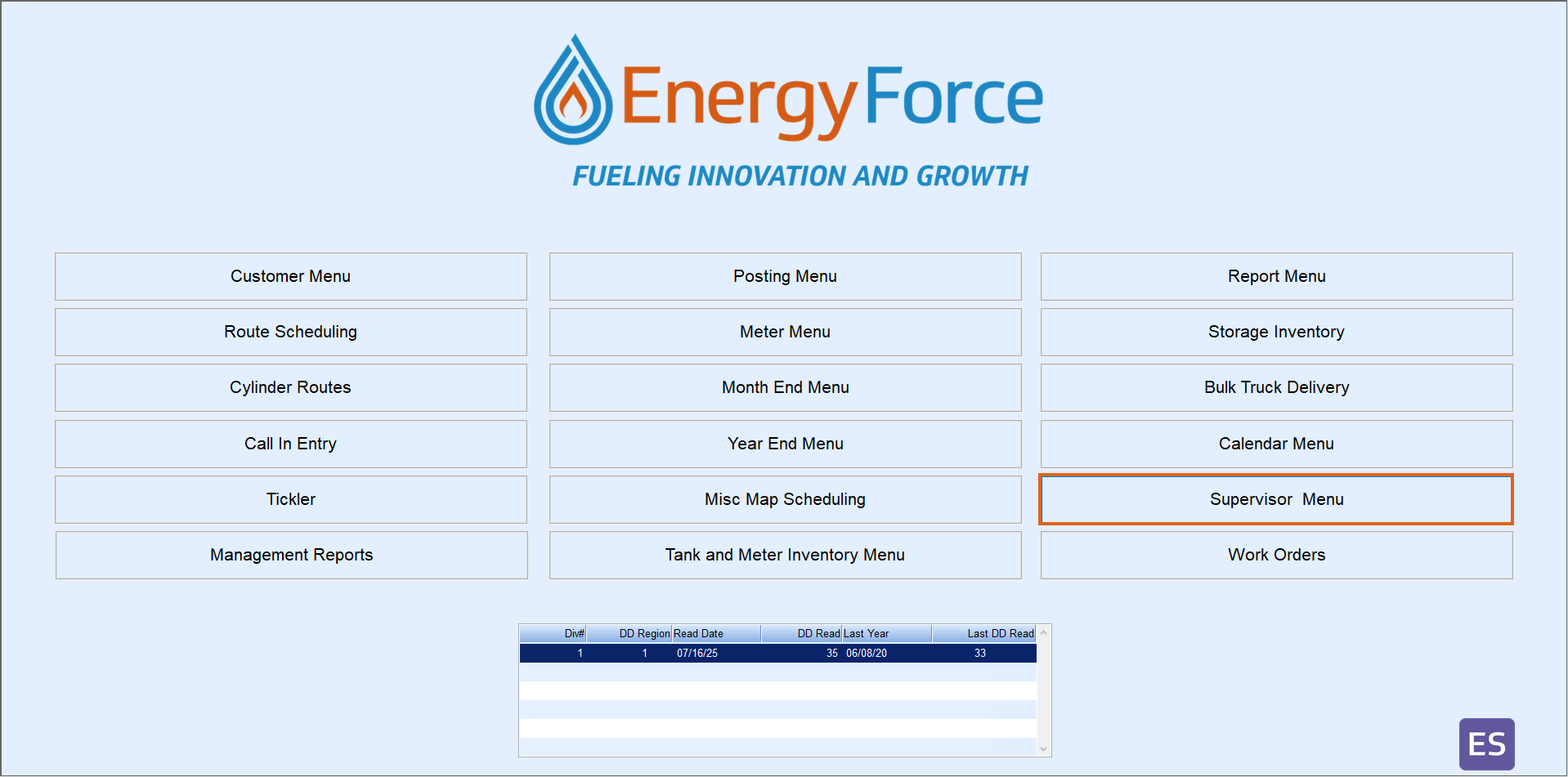
- Open Energy Force and select Supervisor Menu.
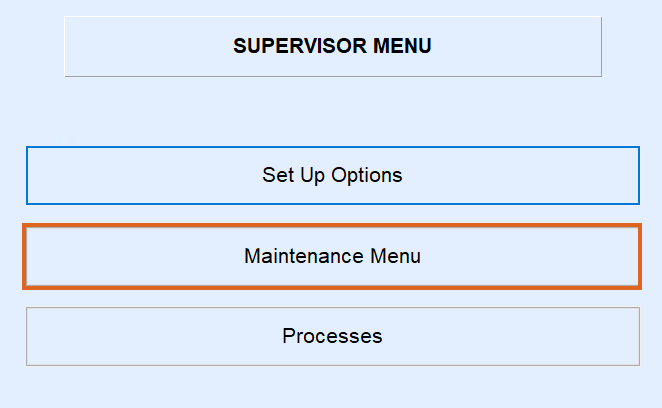
- Choose Maintenance Menu.

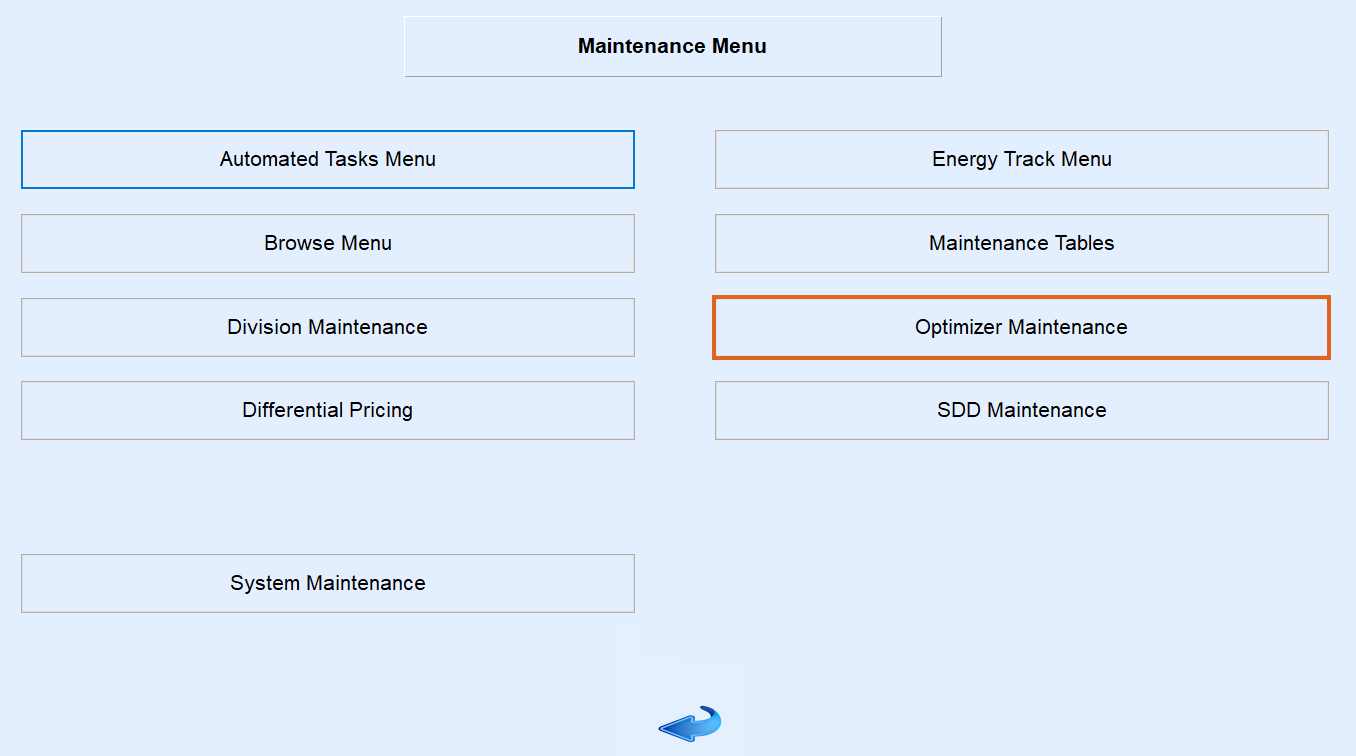
- Then select Optimizer Maintenance.
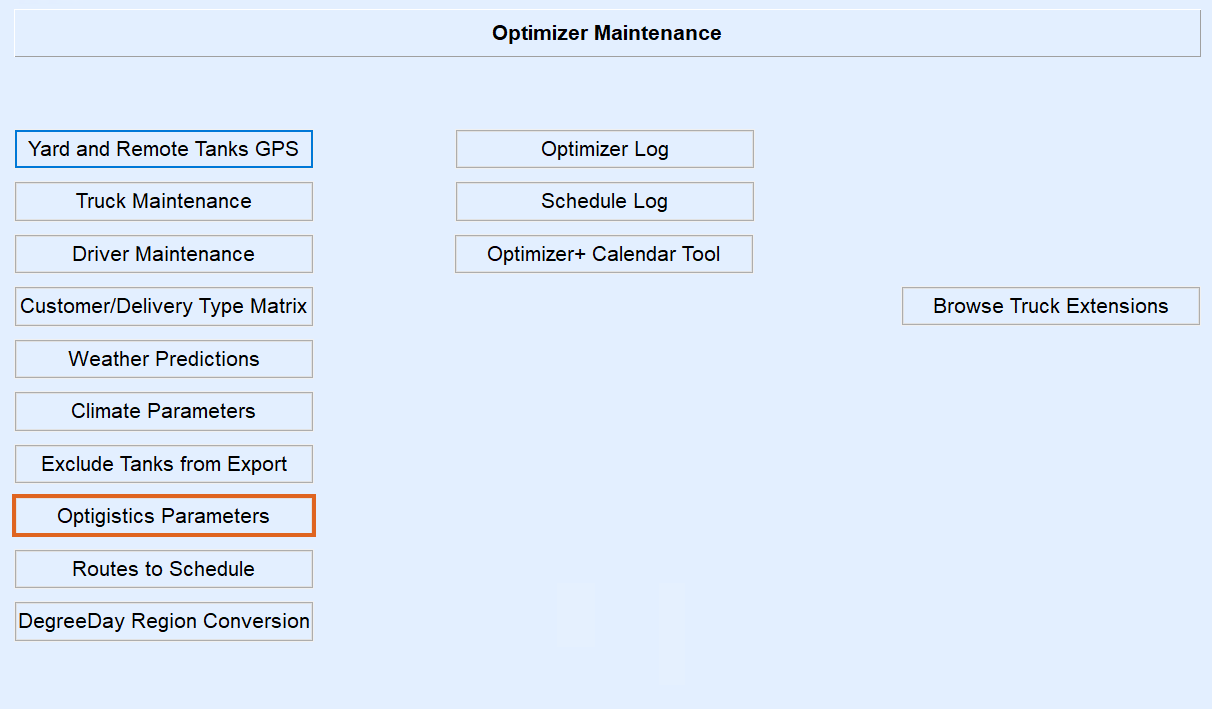
- Choose Optigistics Maintenance.
- Then select Optigistics Parameters.
- Scroll down to the EmailTo line.

- You will then need to press the Ctrl and M keys on your keyboard to go into modify mode.
- Add ; behind the last email and then type in the email you need to add.
- If it will not add, as you have the maximum number of email addresses you can have, you will need to have the companies IT department create a email group and add all of the employees to that group.
- Then place that email group address to the EmailTo line.


